Overview
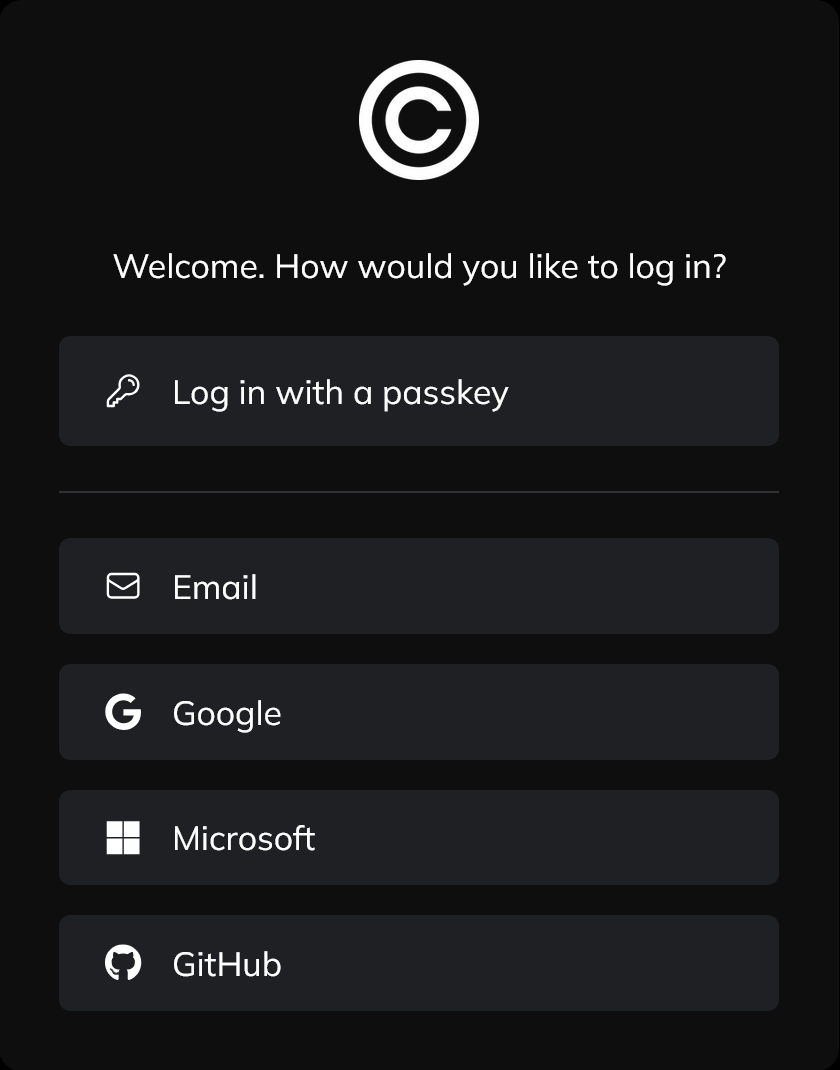
CentralAuth offers multiple authentication methods to ensure secure and convenient access to a third-party website:
Passkeys (WebAuthn)
Modern, password-less authentication using your device's secure hardware. Supports fingerprint readers, facial recognition, security keys etc.
Email authentication
Secure login via one-time codes sent to your verified email address. No password required.
CentralAuth app
Use the native CentralAuth app for secure authentication in any application that uses CentralAuth. You can manage all your accounts in one place and use biometric authentication for added security, making this the easiest and most secure way to log in.
OAuth providers
Sign in using your existing accounts from trusted providers:
- Microsoft
- X
- GitHub
On the next pages, you will find detailed instructions on how to use each authentication method.