Getting started
Before you can start using the CentralAuth app, you have to add one or more accounts. You can use any email address you own to log in to the CentralAuth app. When you open the app for the first time, you will see the welcome screen.
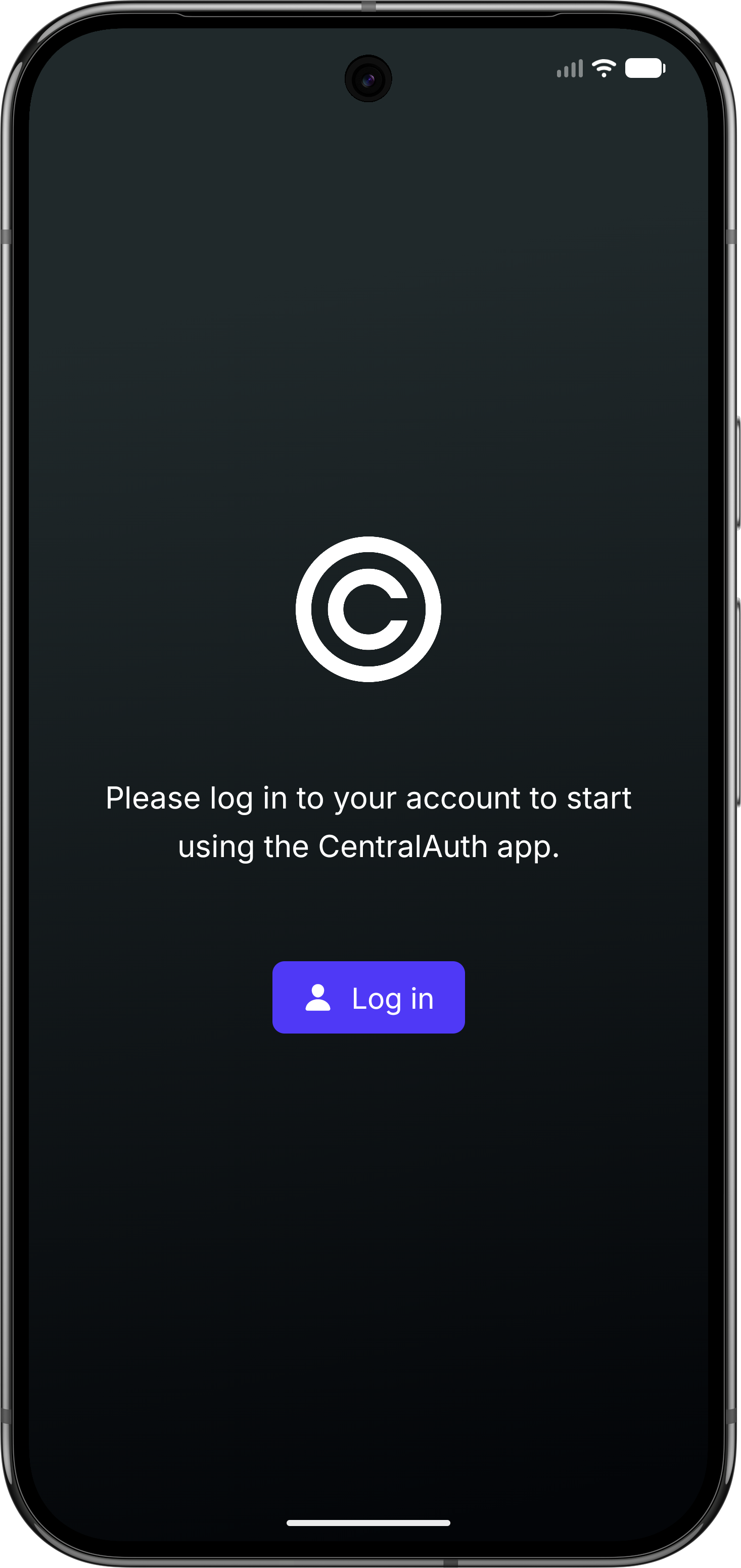
Click on the Log in button. You will be redirected to the CentralAuth login screen. Choose any login method you prefer to log in. For more information, see the Login methods documentation.
After logging in, you will be redirected back to the CentralAuth app. The account overview screen will be displayed, showing all accounts you have added to the app.