Session history
The history tab shows all sessions where you have used this account to log in to any application.
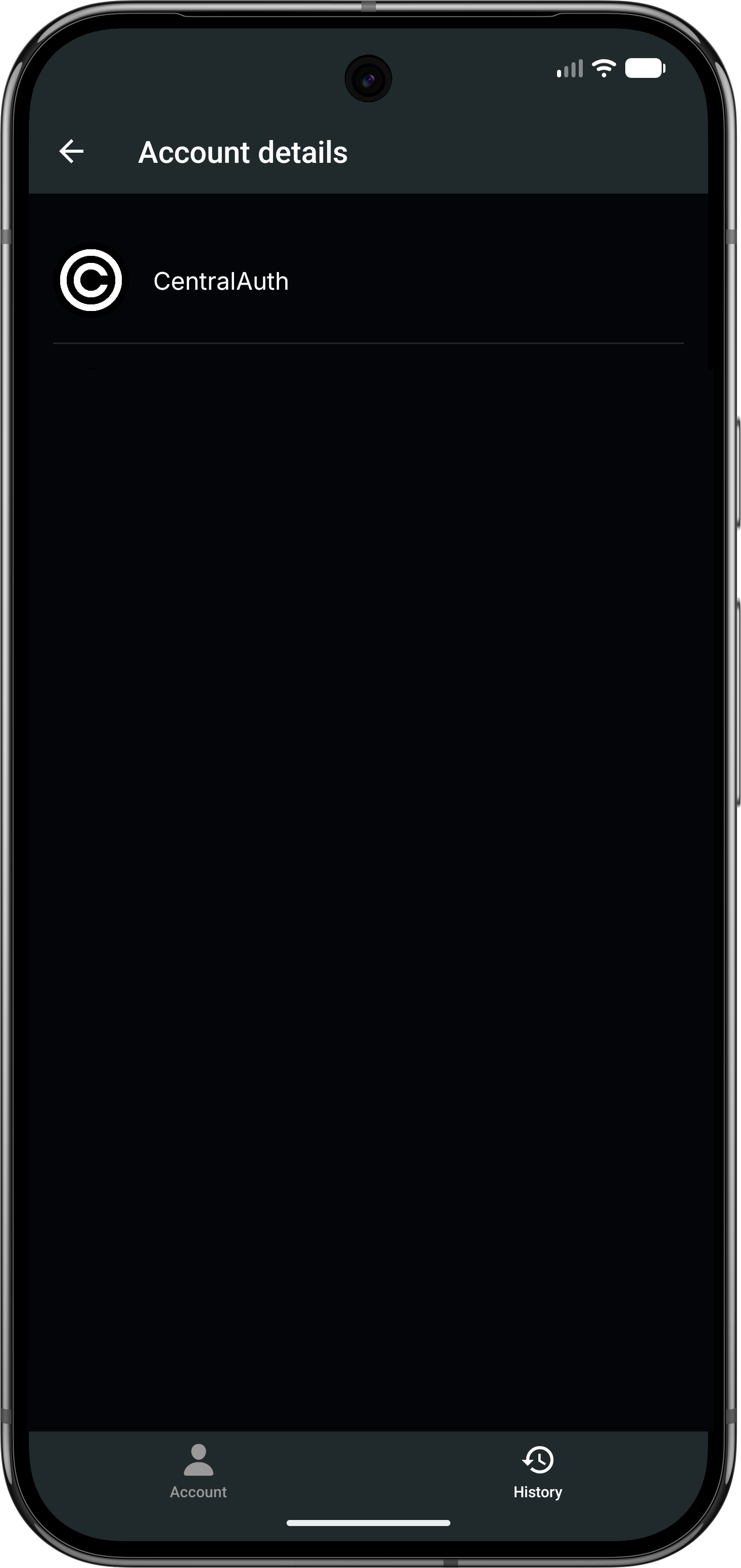
Click on any session entry to see more details about that specific session.
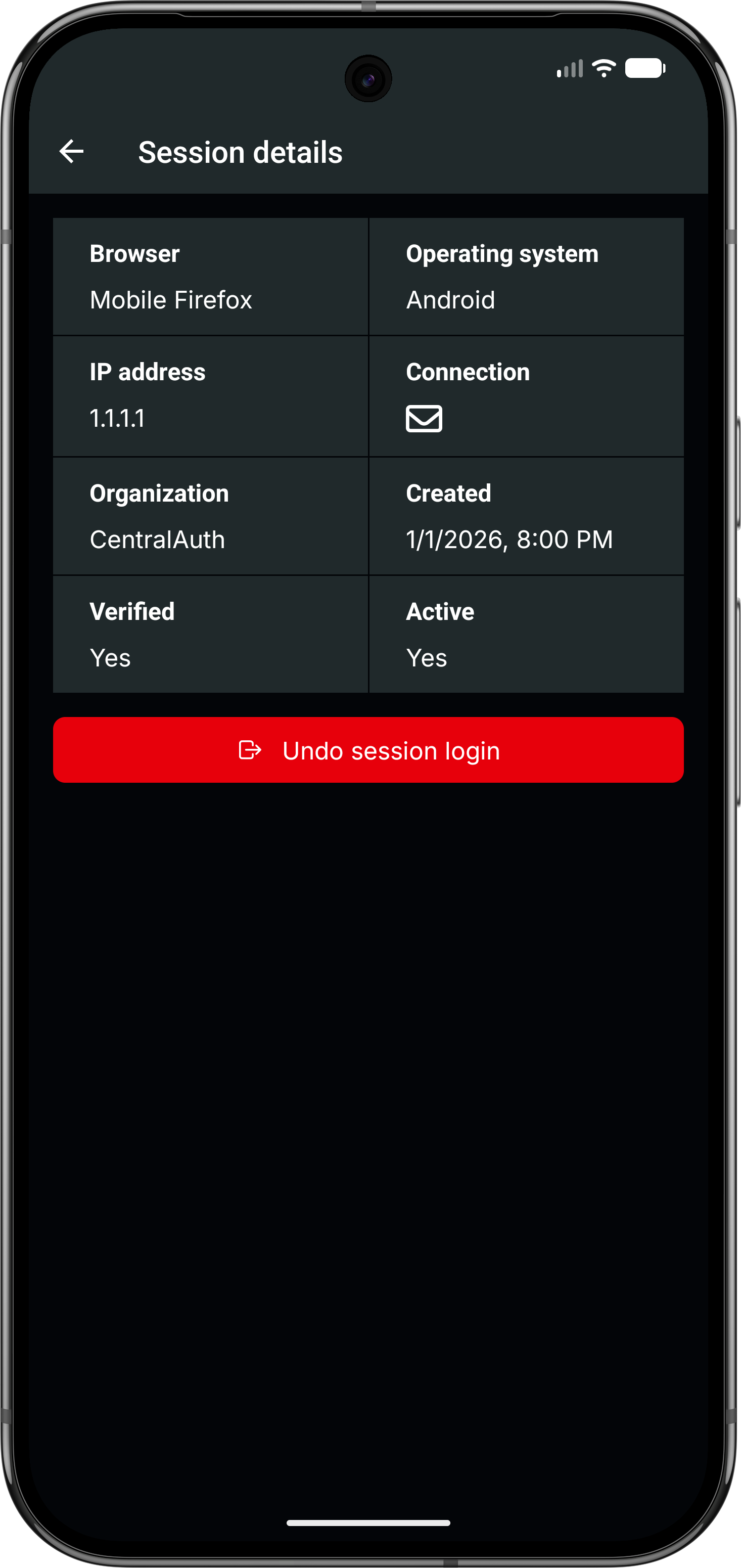
Each session entry shows the following information:
- Browser: The name of the browser used for the session.
- Operating system: The operating system of the device used for the session.
- IP address: The IP address from which the session was started.
- Connection: The type of connection used for the session (e.g. email, passkey, OAuth provider).
- Organization: The name of the organization where you logged in.
- Created: The date and time when the session was started.
- Verified: Indicates whether the session was verified.
- Active: Indicates whether the session is still active.
If the session is still active, you can click the Undo session login button to end the session immediately.